Deployment
Learn how to deploy your Tool Forge application using the CLI
This guide walks you through deploying your Tool Forge project to production using the CLI.
Prerequisites
Before deploying, ensure you have:
- A Tool Forge account
- A Tool Forge project initialized in your directory
Deployment Process
Authenticate with Tool Forge
Run the login command to authenticate your CLI with Tool Forge:
bunx toolforge loginThis command will:
- Generate a unique verification code
- Open your browser to the Tool Forge authentication page
If your browser doesn't open automatically, copy the URL displayed in your terminal and paste it into your browser.
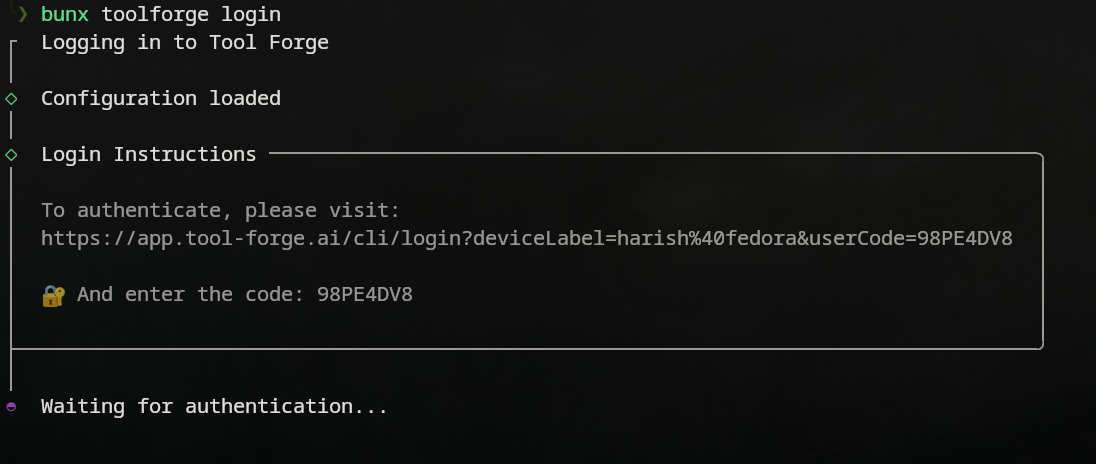
Verify the code shown in your terminal:
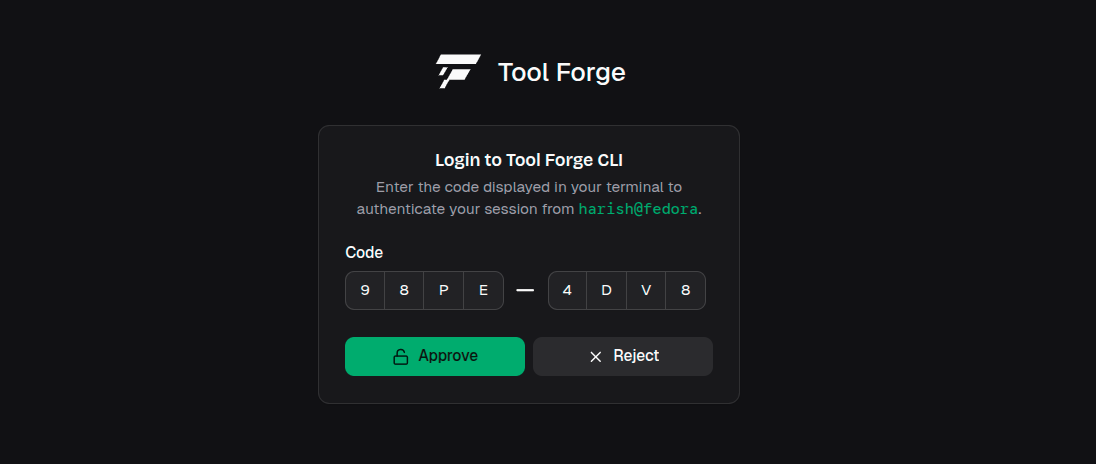
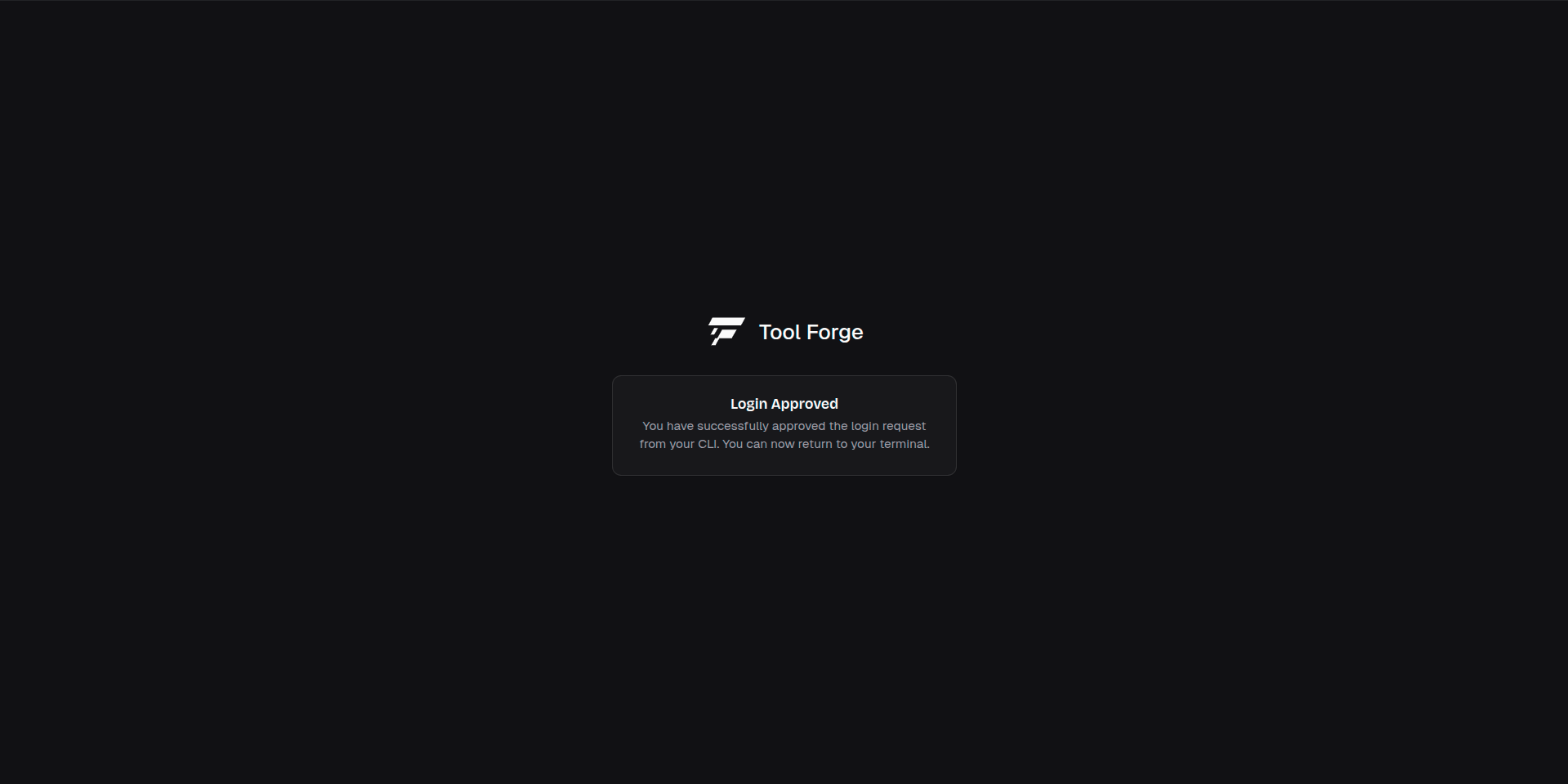
Once you approve the authentication request, you'll see a confirmation:
Deploy Your Application
Once authenticated, deploy your application with a single command:
bunx toolforge deployThe CLI will:
- Bundle your application
- Upload your code to Tool Forge
- Provision necessary resources
- Provide you with a deployment URL