tableInput
Displays a table of data records and allows the user to select one or multiple rows.
Usage
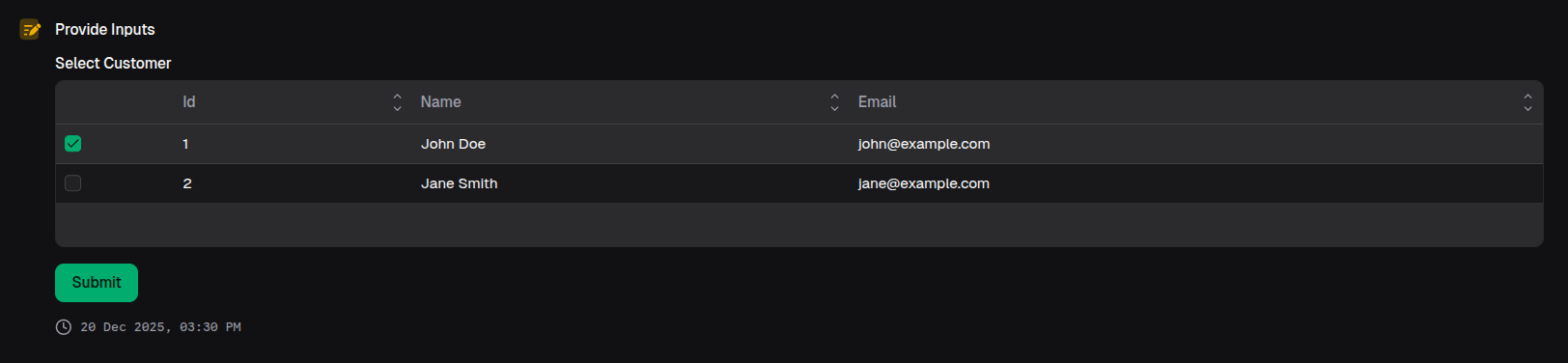
const customer = await io.tableInput({
  label: 'Select Customer',
  data: [
    { id: 1, name: 'John Doe', email: 'john@example.com' },
    { id: 2, name: 'Jane Smith', email: 'jane@example.com' },
  ],
  mode: 'single',
})
Props
| Prop | Description | Type | Required | Default |
|---|---|---|---|---|
| label | The label for the table input | string | Yes | — |
| description | The description for the table input | string | No | undefined |
| data | The data records for the table input | readonly DataRecord[] | Yes | — |
| optional | Whether the table input is optional | boolean | No | false |
| mode | The mode of the table input | 'single' | 'multiple' | No | 'single' |
| min | The minimum number of rows that must be selected (multiple mode only) | number | No | undefined |
| max | The maximum number of rows that can be selected (multiple mode only) | number | No | undefined |
| defaultValue | The default value for the table input | TableFieldOutput | No | undefined |
Returns
Returns the selected data record (single mode) or array of selected data records (multiple mode). Return type includes | undefined if optional: true. TypeScript infers the exact structure from the provided data.
Examples
Multiple row selection
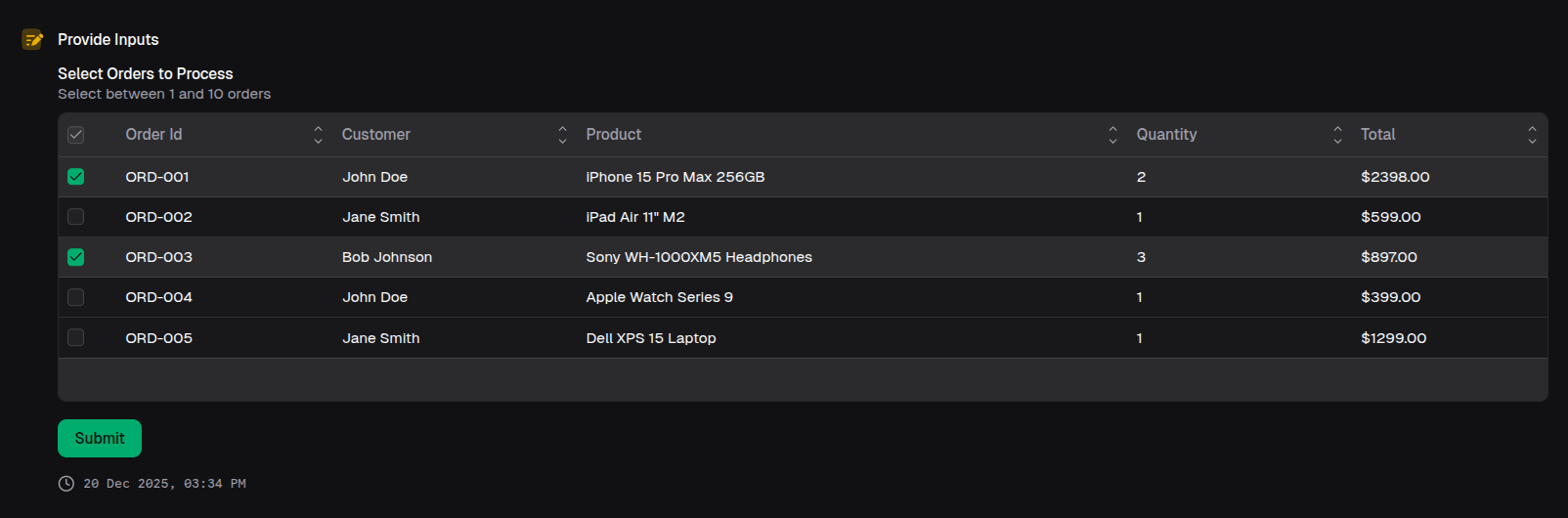
const orders = await io.tableInput({
  label: 'Select Orders to Process',
  data: ordersList,
  mode: 'multiple',
  min: 1,
  max: 10,
  description: 'Select between 1 and 10 orders',
})

// Returns: Array of selected data records