textInput
Prompts the user for a text input. Supports validation, secure inputs (passwords), and different input modes.
Usage
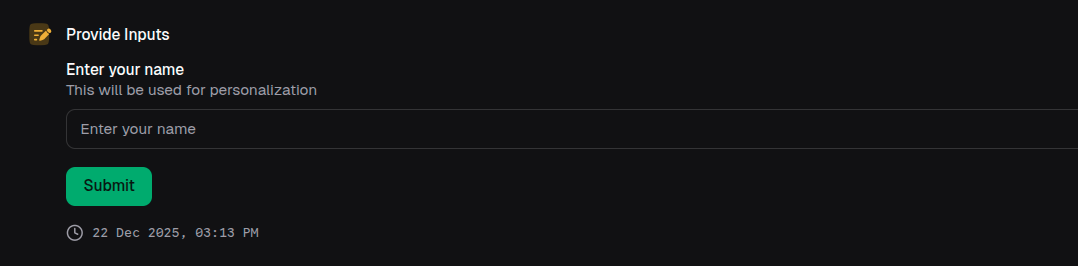
const name = await io.textInput({
  label: 'Enter your name',
  description: 'This will be used for personalization',
})
Props
| Prop | Description | Type | Required | Default |
|---|---|---|---|---|
| label | The label for the text input | string | Yes | — |
| description | The description for the text input | string | No | undefined |
| optional | Whether the text input is optional. When true, return type is string | undefined | boolean | No | false |
| secure | Whether the text input is secure (used for passwords, etc.) | boolean | No | false |
| inputType | The type of validation for the text input | 'email' | 'url' | No | undefined |
| mode | The mode of the text input | 'input' | 'textarea' | No | 'input' |
| min | The minimum number of characters required | number | No | undefined |
| max | The maximum number of characters allowed | number | No | undefined |
| maxRetryAttempts | Maximum retry attempts for invalid input | number | No | 5 |
| validationSchema | Custom validation schema. If not provided, defaults are inferred from other props | z.ZodString | z.ZodOptional<z.ZodString> | No | undefined |
| defaultValue | The default value for the text input | string | No | undefined |
Returns
Returns a Promise<string> or Promise<string | undefined> if optional: true.
Examples
Email input
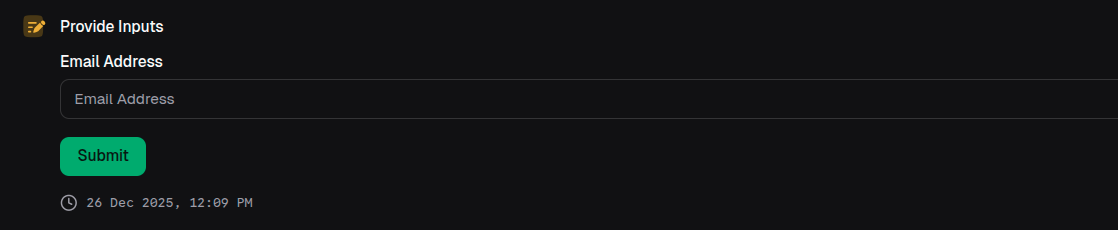
const email = await io.textInput({
  label: 'Email Address',
  inputType: 'email',
  validationSchema: z.string().email('Please enter a valid email'),
})
Secure password input
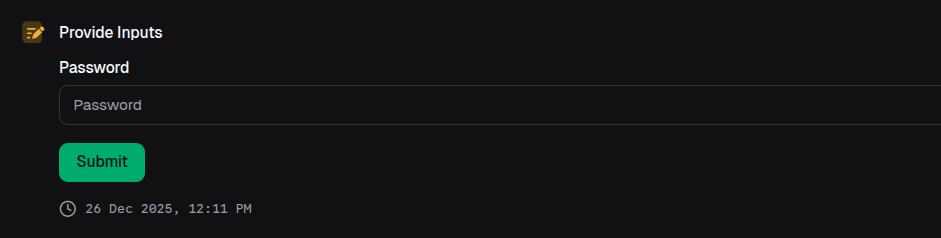
const password = await io.textInput({
  label: 'Password',
  secure: true,
  min: 8,
  max: 100,
})
Textarea mode
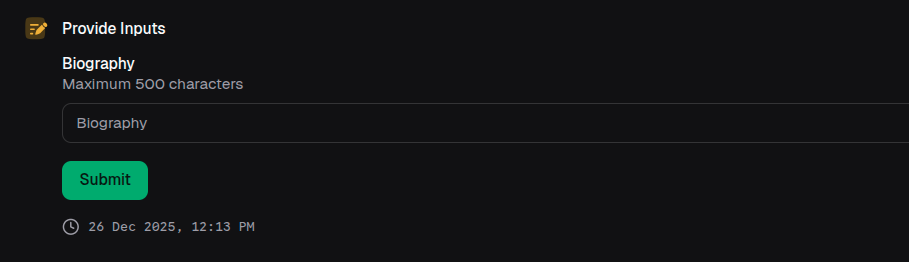
const bio = await io.textInput({
  label: 'Biography',
  mode: 'textarea',
  max: 500,
  description: 'Maximum 500 characters',
})
Optional input with custom validation
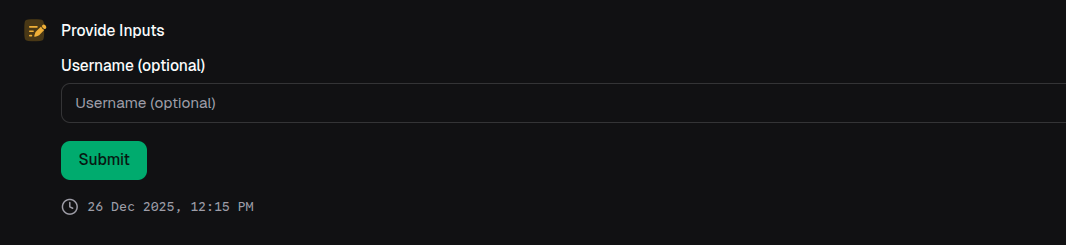
const username = await io.textInput({
  label: 'Username (optional)',
  optional: true,
  validationSchema: z
    .string()
    .min(3, 'Username must be at least 3 characters')
    .regex(
      /^[a-z0-9_]+$/,
      'Username can only contain lowercase letters, numbers, and underscores',
    )
    .optional(),
  maxRetryAttempts: 3,
})

// TypeScript knows username can be undefined
if (username) {
  console.log(`Username: ${username}`)
}