image
Display images from URLs or binary buffers with customizable sizing and aspect ratios.
Usage
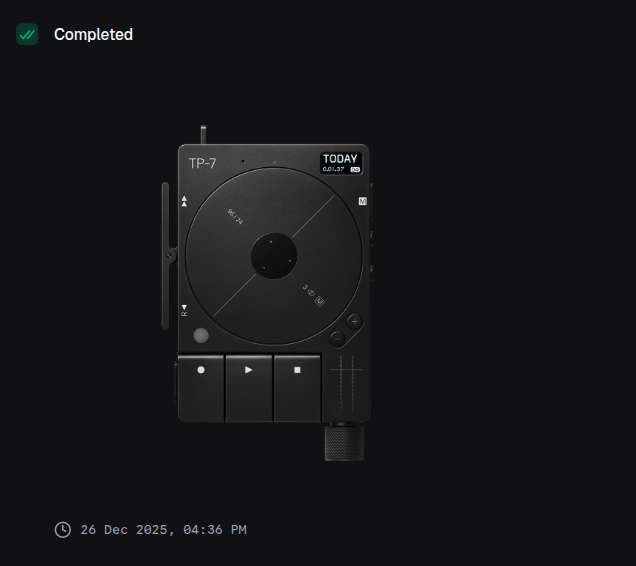
const img = block.image({
  url: 'https://example.com/product-image.jpg',
  alt: 'Product preview',
  width: 400,
})
Props
You must provide either url or buffer, but not both.
| Prop | Description | Type | Required | Default |
|---|---|---|---|---|
| url | URL of the image to display | string | Conditional | — |
| buffer | Base64-encoded image data | string | Conditional | — |
| title | Title displayed above the image | string | No | undefined |
| description | Description text below the title | string | No | undefined |
| alt | Alternative text for accessibility | string | No | undefined |
| fit | How the image should fit its container | 'contain' | 'cover' | 'fill' | No | 'contain' |
| width | Width in pixels (20-10000) | number | No | undefined |
| height | Height in pixels (20-10000) | number | No | undefined |
| aspectRatio | Aspect ratio constraint | '1:1' | '4:3' | '3:2' | '16:9' | '2:1' | '3:4' | '2:3' | '9:16' | '1:2' | No | undefined |
Returns
Returns an image block that can be returned from a handler or passed to io.message().
Examples
Basic image from URL
return block.image({
  url: 'https://example.com/photo.jpg',
  alt: 'A beautiful landscape',
})
With title and description
return block.image({
  title: 'Product Screenshot',
  description: 'Dashboard overview page',
  url: screenshotUrl,
  alt: 'Dashboard showing analytics metrics',
})
Fixed dimensions
return block.image({
  url: productImageUrl,
  alt: 'Product thumbnail',
  width: 300,
  height: 200,
  fit: 'cover',
})
Using aspect ratio
return block.image({
  url: videoThumbnail,
  alt: 'Video thumbnail',
  width: 640,
  aspectRatio: '16:9',
})
From binary buffer
// Image data from file or API response
const imageBuffer = await readFileAsBase64('chart.png')

return block.image({
  buffer: imageBuffer,
  alt: 'Generated chart',
  width: 800,
})
Different fit modes
// Contain - scales image to fit, may have letterboxing
return block.image({
  url: imageUrl,
  fit: 'contain',
  width: 400,
  height: 300,
})

// Cover - scales to fill, may crop
return block.image({
  url: imageUrl,
  fit: 'cover',
  width: 400,
  height: 300,
})

// Fill - stretches to fill exactly
return block.image({
  url: imageUrl,
  fit: 'fill',
  width: 400,
  height: 300,
})
Image gallery with layout
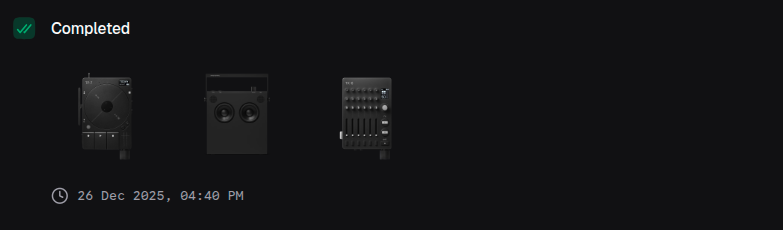
return block.layout({
  columns: 12,
  children: [
    {
      element: block.image({
        url: images[0],
        aspectRatio: '1:1',
        fit: 'cover',
      }),
      colSpan: 4,
    },
    {
      element: block.image({
        url: images[1],
        aspectRatio: '1:1',
        fit: 'cover',
      }),
      colSpan: 4,
    },
    {
      element: block.image({
        url: images[2],
        aspectRatio: '1:1',
        fit: 'cover',
      }),
      colSpan: 4,
    },
  ],
})
Square thumbnails
return block.image({
  url: avatarUrl,
  alt: 'User avatar',
  width: 100,
  aspectRatio: '1:1',
  fit: 'cover',
})